
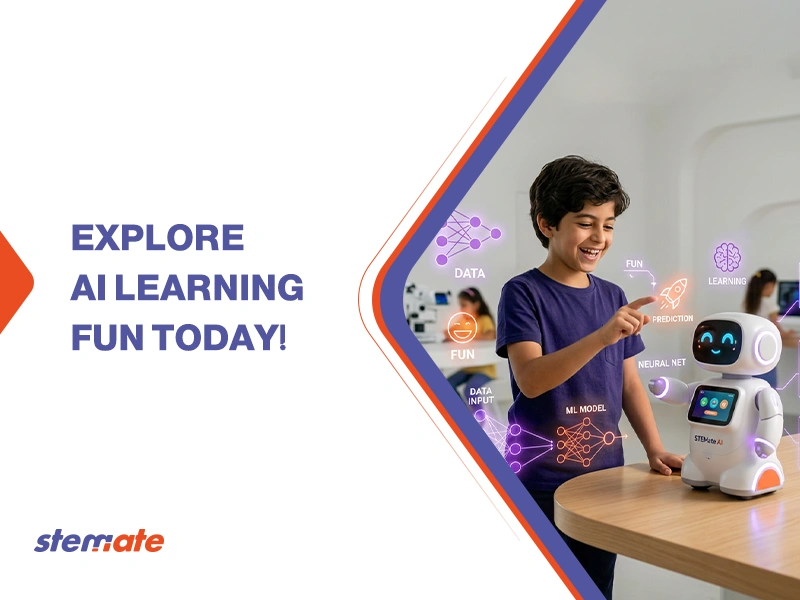
Machine learning for kids is an educational approach that introduces children to the way computers learn from data and patterns instead of following a strict set of pre-written commands. It allows your child to understand how modern technology, like voice assistants and recommendation systems, can “think” and make decisions based on information it has processed.
What is Machine Learning for Kids?
Machine learning for kids is the study of how computers can improve their performance on a task by looking at examples and data. It is a branch of artificial intelligence that focuses on building systems that learn and adapt without being explicitly programmed for every possible scenario.
Fun Examples and Activities
Fun examples of this technology include games that can guess what you are drawing or music apps that suggest songs based on your previous choices. These activities show your child that AI for kids is not a complex mystery but a practical tool used in their favorite entertainment.
One of the best ways to explore this is through real-world applications that your child already uses. You can point out these examples during your daily routine:
- Drawing Games: There are free online games where you draw an object and the computer tries to name it. You can explain that the computer knows what a “cat” looks like because it has seen millions of drawings made by other people.
- Voice Assistants: When your child asks a smart speaker to play a song, the device is using a machine learning model. It has been trained to understand different accents and tones of voice.
- Photo Sorting: Most smartphones can group photos of the same person together. This is a machine learning model that has learned the specific features of your family members’ faces.
- Video Recommendations: When a streaming platform shows your child a “You might also like” section, it is looking at patterns in their viewing habits and comparing them to millions of other users.
These examples make the concept feel less like a school subject and more like a part of their world. It encourages them to ask “How does this app know what I want?” and starts them on the path to becoming a developer.
Top Tools and Platforms for Kids
The best tools for teaching these concepts are “Teachable Machine” by Google and “Machine Learning for Kids” by IBM, both of which use visual interfaces instead of complex code. These platforms are designed to let children build and test their own models in just a few minutes using a computer camera or microphone.
You do not need any special hardware or expensive software to get started. Most of these tools run directly in your web browser. Here are the top choices for parents:
- Google Teachable Machine: This is the fastest way to start. Your child can use the webcam to train a model to recognize their face versus their hand, or a banana versus an apple. It is completely visual and provides instant results.
- IBM: This tool is more advanced and allows children to use their trained models inside Scratch. This means they can create a game where they control a character with their voice or hand movements.
- Lobe by Microsoft: This is a free app you can download. it has a very simple interface that helps kids understand how to label images and “train” the computer to tell the difference between various objects.
- Cognimates: This platform focuses on how AI can be used to control robots and smart devices. It offers many beginner ML tutorials that are perfect for home learning.
Read also about: Digital Education for Kids
Projects to Try at Home
You can start with a simple “Mood Detector” project or a “Smart Trash Sorter” using your computer’s webcam and free online software. These machine learning projects give children a hands-on way to apply logic and see the immediate results of their work.
Project-based learning is the most effective way to keep your child engaged. Here are two detailed projects you can try together:
The Mood Detector:
- Step 1: Use a training tool to take photos of yourself making a “happy” face and then a “sad” face.
- Step 2: Label the photos so the computer knows which is which.
- Step 3: Train the model and then test it by making different faces at the camera.
- Step 4: Ask your child what happens if you make a “surprised” face. Since the computer wasn’t trained for that, it will probably make a mistake. This shows them the importance of having diverse data.
The Recycling Sorter:
- Step 1: Gather a plastic bottle, a metal can, and a piece of paper.
- Step 2: Train an image model to recognize these three items by showing them to the webcam from different angles.
- Step 3: Build a simple program that displays a message like “Put this in the blue bin!” when it sees the plastic bottle.
- Step 4: Discuss how this technology could be used in a real city to help keep the environment clean.
These projects show that kids programming AI is a way to solve real problems. It helps them see coding as a superpower that can make the world a better place.
Know more about: AI for kids
How Parents Can Guide Learning
Parents can guide the process by asking open-ended questions about how the computer arrives at its answers and by encouraging children to test the limits of their models. You should focus on the concept of “data” and how it influences everything the computer does.
You don’t need to have a degree in computer science to help your child. Your role is to be a curious observer and a facilitator. Here are some ways you can help:
- Discuss Fairness: If a machine only learns from one type of data, it won’t work for everyone. Talk to your child about why it’s important to include photos of different people and objects.
- Fix Mistakes Together: When a model fails, don’t be discouraged. Ask your child, “What more information does the computer need to get this right?” This turns a failure into a learning moment.
- Connect to Reality: Whenever you see AI in the real world, point it out. Whether it’s a self-driving car or a voice assistant, ask your child how they think that machine was trained.
- Use “Unplugged” Games: You can play a game where you are the “computer” and your child has to “train” you to recognize a secret object by giving you hints. This teaches the logic of data without any screen time.
- Celebrate Small Wins: Training a model takes patience. Celebrate when your child successfully gets the computer to recognize a difficult object or sound.
Empower your child with future-ready skills. Enroll them in Stemate Academy’s AI Course today.
FAQ
What is machine learning for kids?
It is a simplified way for children to learn how computers use data to find patterns and make predictions. Instead of manually coding every rule, kids provide examples to “train” the computer to recognize things on its own.
How to teach ML to kids?
The most effective way is through play and visual tools. Start with games like “Quick, Draw!” to show how AI works, then move to hands-on platforms like “Teachable Machine” where they can train their own models using a webcam or text.
Is machine learning too hard for a 10-year-old?
Not at all. With modern visual tools, a 10-year-old can easily understand the concept of training and testing data. As long as the math is hidden behind friendly interfaces, kids can focus on the logic and creativity of the projects.
What are the benefits of kids learning AI?
Learning AI helps children develop critical thinking, data literacy, and a deeper understanding of the modern world. It prepares them for future careers and ensures they understand the ethical implications of the technology they use every day.